

What is a hot plate?
A hot plate is a device that heats samples without an open flame. Hot plates often also have a stirring function.
What hot plates are available in the Wet Lab Makerspace?
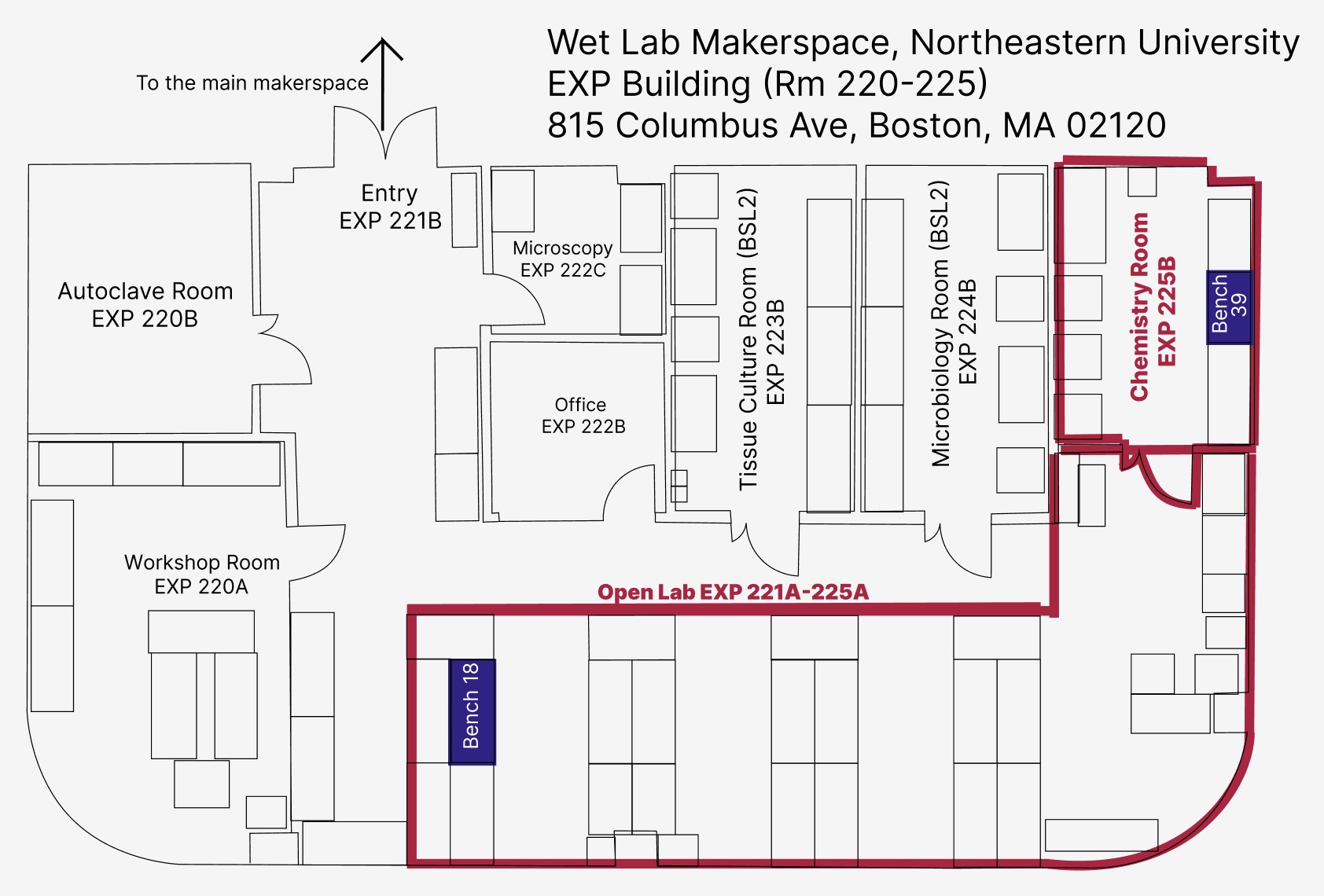
In the Wet Lab Makerspace, we have a variety of hot plates located on Bench 18 and Bench 39.
Safety Considerations
Tips for Success
- It can take time to heat large volumes, plan accordingly.
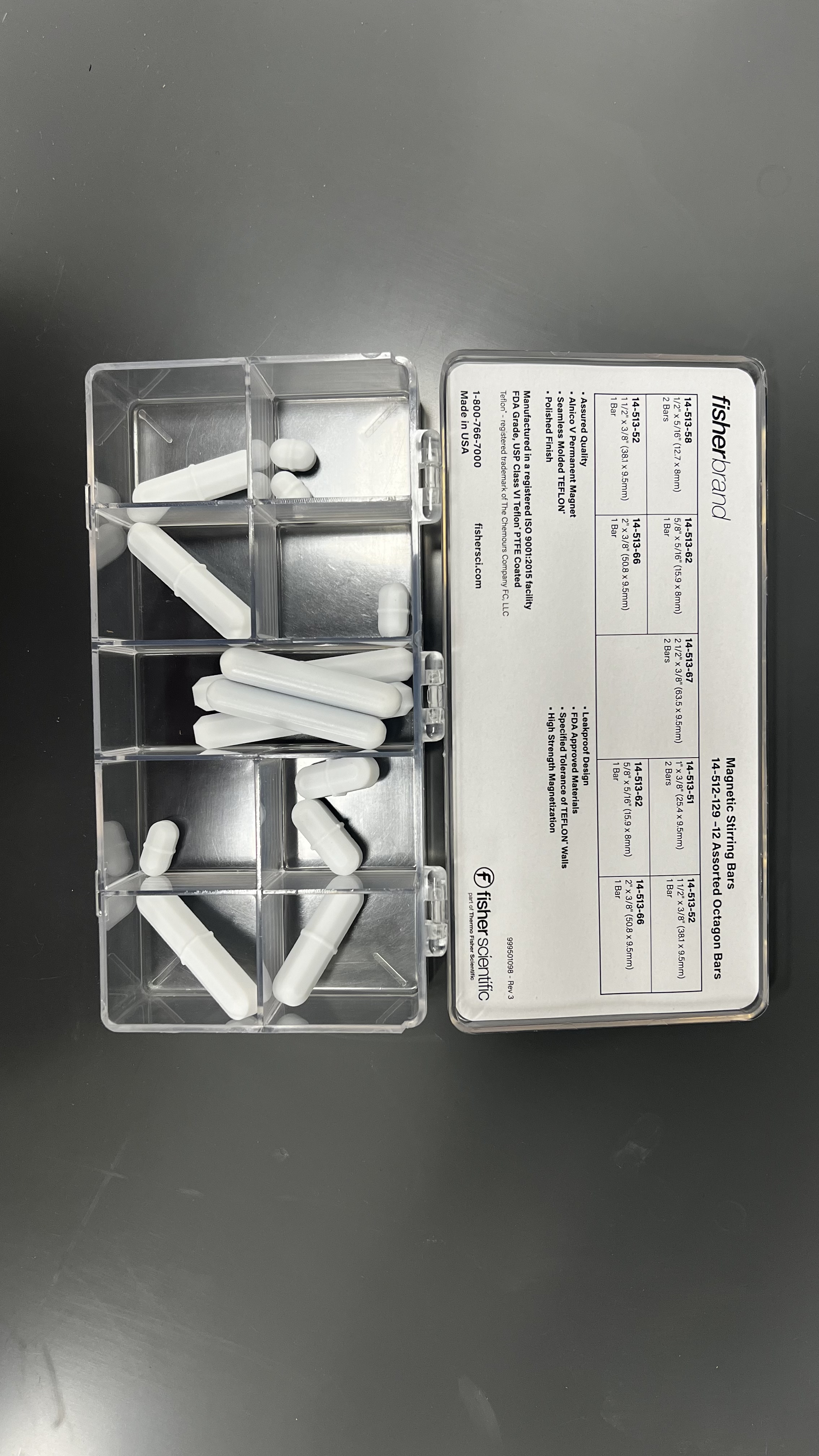
- Stir bars are more likely to spin smoothly if their speed is increased slowly.
Parts of the hot plate
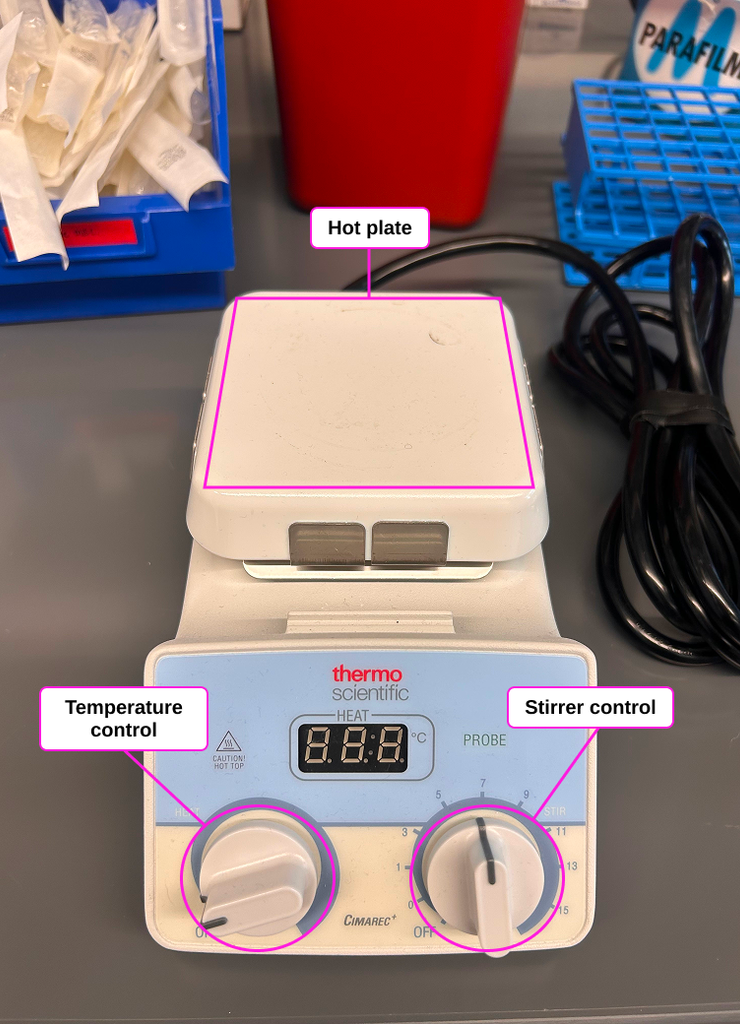
- Heating Surface: The surface where the item to be heated is placed. This is typically made of ceramic for chemical resistance and easy cleaning.
- Temperature Control: Used to adjust the set temperature in degrees Celsius.
- Stirrer Control: Used to adjust the stirring speed in rotations per minute.
- Power Cord: The cord to supply electrical power to the hot plate (not visible in this image).
Operating Instructions
1. Set up
To begin using the hot plate, place it on a stable, heat-resistant surface in a well-ventilated area.
Connect the power cord.
Ensure that the device and area are free from spills or materials that may contact the surface of the hot plate.
Place your item to heated on the heating surface.
2. Heat
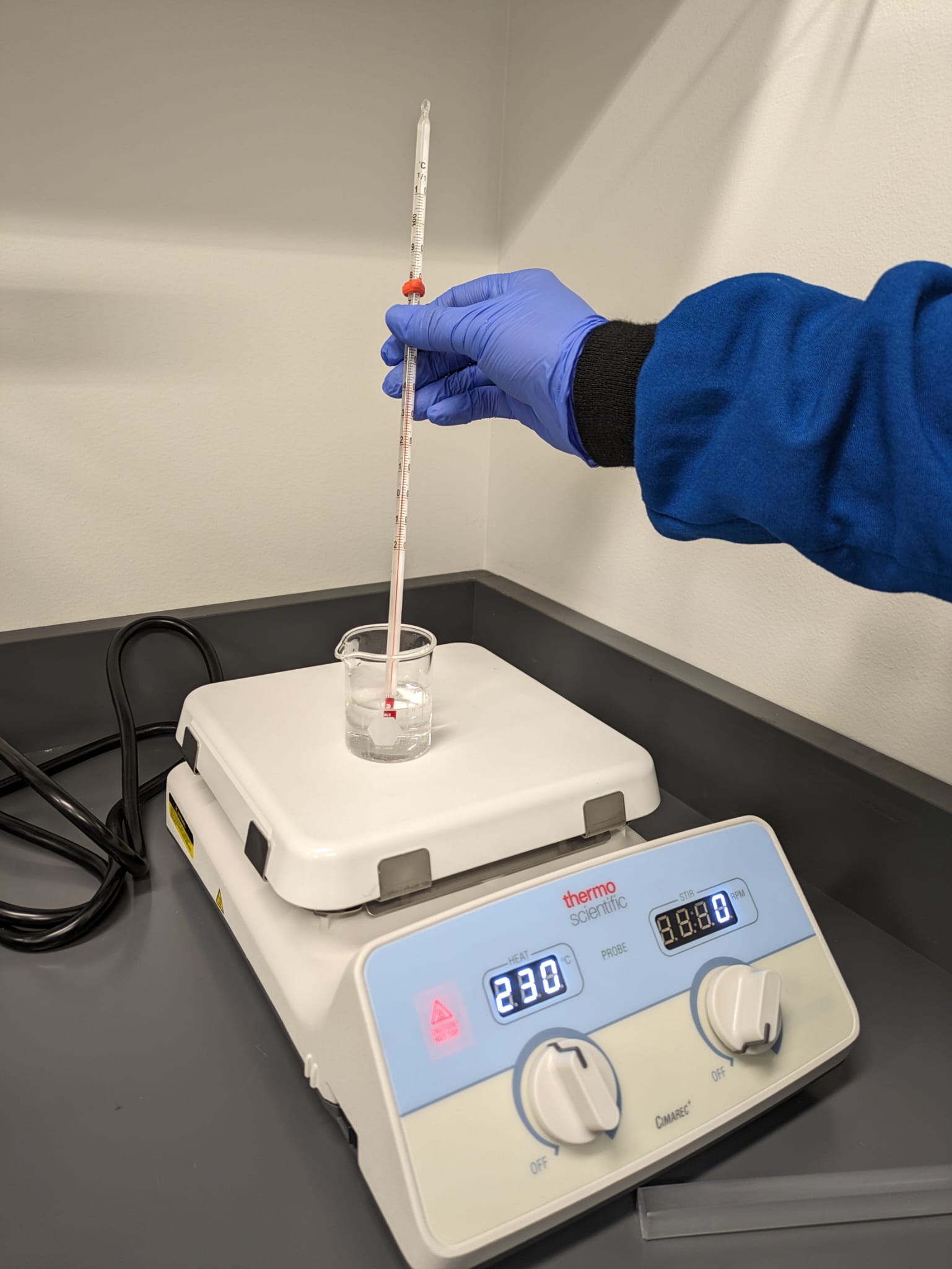
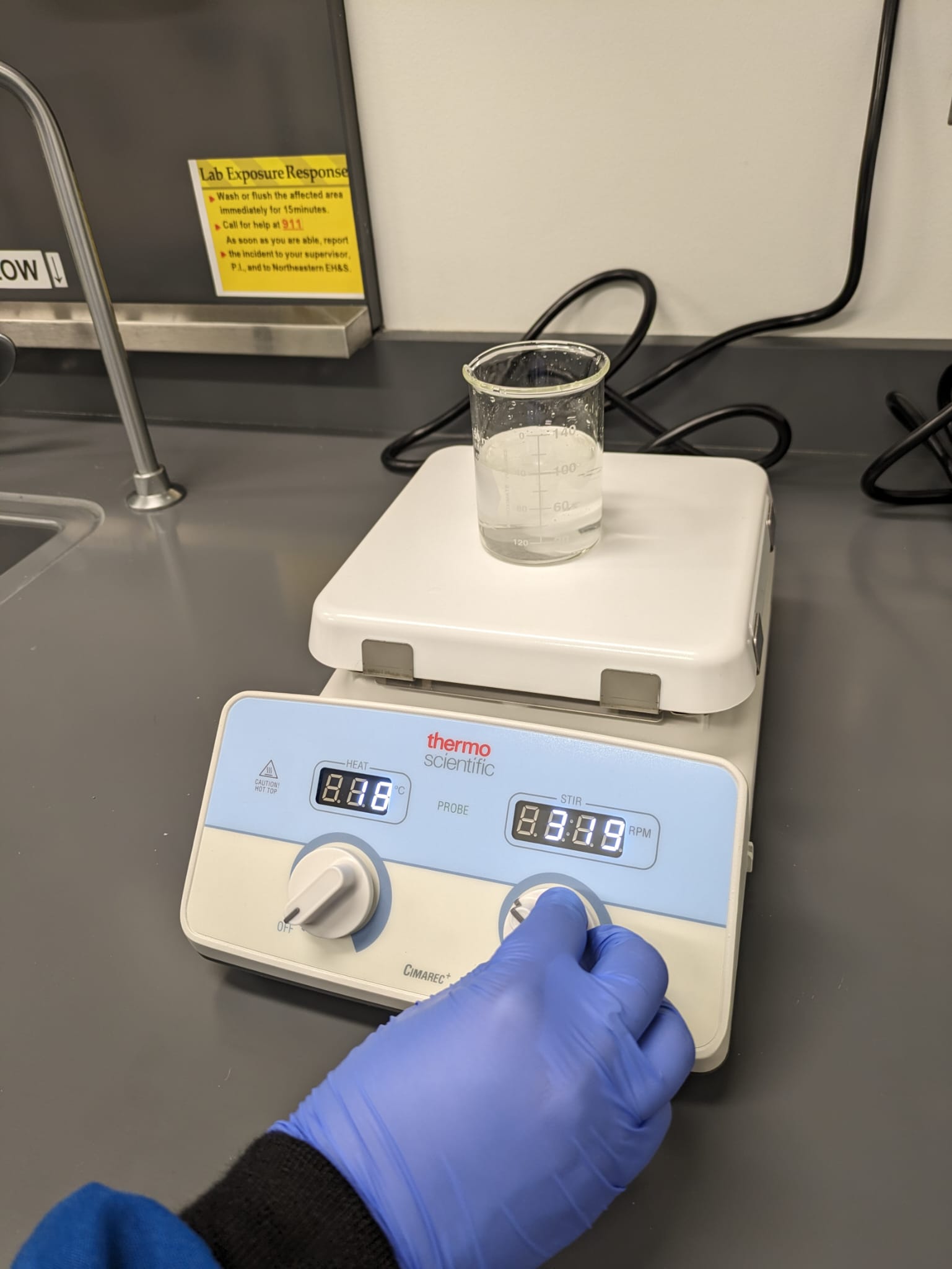
Use the temperature control knob to set the desired temperature. The indicator light will illuminate when the surface is hot.
3. Stir
Use the stirring speed control knob to adjust the stirring speed to the desired level.
4. Turn off & Cool
Once the process is complete, turn both the temperature and stirring knobs to 0.
Do not unplug until the device is completely cool. This will allow the hot surface indicator light to function.
Allow the unit to cool down before handling or cleaning.
5. Clean
After each use, clean the ceramic surface of the hot plate and remove any spilled liquids or debris.
6. Put away
Return the instrument to its storage location.